activism

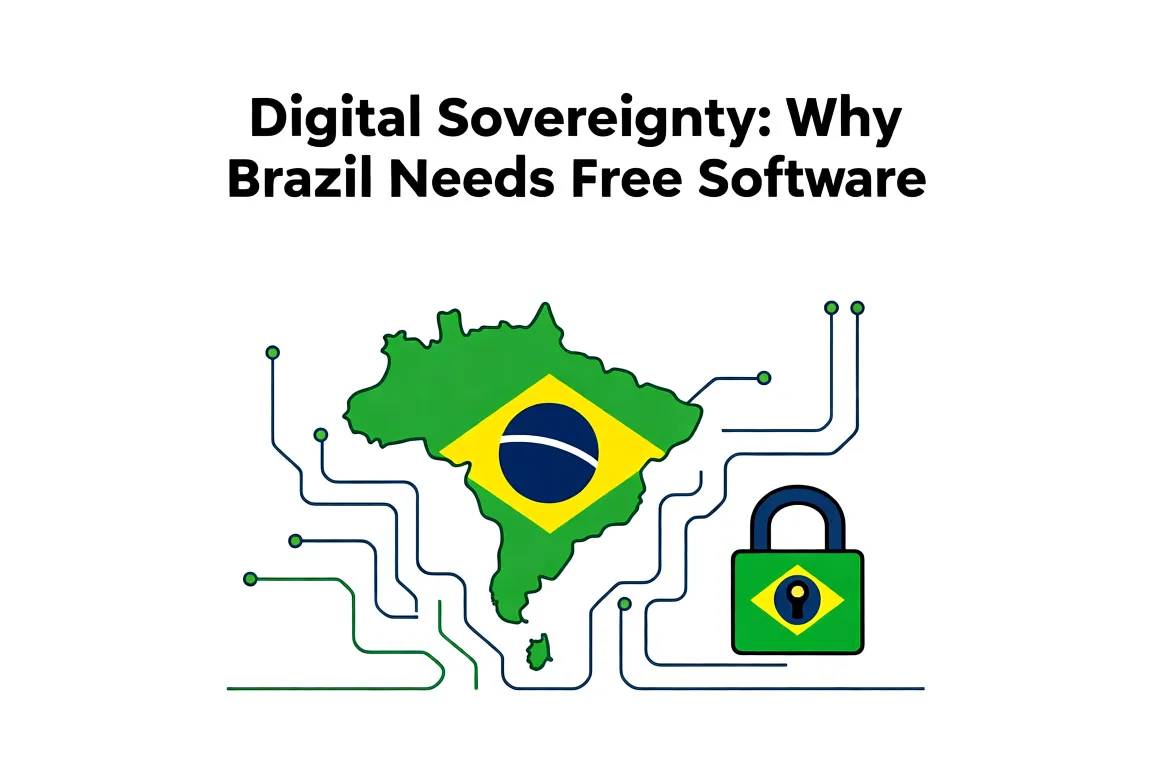
Digital Sovereignty: Why Brazil Needs Free Software

Digital Sovereignty: Why Brazil Needs Free Software

Digital Sovereignty: Why Brazil Needs Free Software

Brazil keeps paying foreign vendors for the right to run its own government systems. Switching to free software gives public institutions the code, the fixes, and the data stays inside the country.

That shift cuts license bills and removes the risk that an update from abroad suddenly breaks services or hands usage logs to another nation.

Where city halls and state agencies can begin

Start small and measure what changes.

  1. Pick one department that already runs basic tasks like document editing or citizen registration.
  2. Replace the office suite with LibreOffice and the desktop with a supported Linux distribution such as Ubuntu or Fedora.
  3. Move the database to PostgreSQL so queries and backups stay under local control.
  4. Train two or three staff members first; they then help colleagues the next month.

Several municipalities in the Northeast already run their entire public procurement portal on free software stacks. They report annual savings above R$ 200 000 in licenses alone and faster response times when a security patch is needed.

Current tool Free software swap Immediate gain
Microsoft Windows + Office 365 Linux + LibreOffice No recurring per-seat fees
Oracle database PostgreSQL Full source access for audits
Proprietary email server Postfix + Roundcube Data remains on Brazilian servers

Run a simple checklist before wider rollout:

  • Confirm the new applications handle existing file formats without loss.
  • Verify that printers and card readers still work with open drivers.
  • Schedule one afternoon a month to review updates released by the Brazilian public software portal.

Once the first department works smoothly, copy the same install scripts to the next unit. The pattern repeats without new contracts each time.
Posted by admin in Software & Tools, 0 comments
LibreOffice for Portuguese Speakers

LibreOffice for Portuguese Speakers

LibreOffice for Portuguese Speakers

LibreOffice replaces Microsoft Office with a free toolkit that handles text, spreadsheets, and slides. Portuguese speakers get full language support right away, so menus, spelling, and date formats match what you already use.

Download the installer from the official site, run it, and the whole suite lands on your machine in under ten minutes on most Windows or Linux systems.

Install and set Portuguese

  1. Visit libreoffice.org and click the big download button for your operating system.
  2. Run the file once it finishes. Accept the defaults and let it finish.
  3. Open any program, such as Writer. Go to Tools, then Options, then Language Settings, then Languages.
  4. Pick Portuguese (Brazil) or Portuguese (Portugal) from the drop-downs for user interface, locale, and default currency.
  5. Restart the program so the menus switch over.

After these steps, new documents start with Portuguese spelling and A4 paper by default.

Start with Writer and Calc

Writer handles letters and reports. Open it, type a short note, press Ctrl+S to save as .odt or export to .docx for colleagues who still use Word. The file opens on their side without layout surprises.

Calc works for budgets and lists. Enter numbers in the first column, add a formula like =SUM(A1:A10) in the cell below, and the total updates as you change values. Save the sheet as .ods or export it to .xlsx when you need to share it.

Program Typical use Example file you create
Writer Letters, contracts, articles Reunião notes saved as .odt
Calc Budgets, inventories Monthly expenses list with formulas

Keep both programs open at once. Copy a table from Calc and paste it straight into Writer when you need the numbers inside a report.

Posted by admin in Community & Culture, 0 comments
Free Software in the Brazilian Judiciary: Case Studies

Free Software in the Brazilian Judiciary: Case Studies

Free Software in the Brazilian Judiciary: Case Studies

What free software changes in daily court operations

You see immediate differences once a court moves away from proprietary licenses. Staff no longer wait for approval to install a PDF reader or update a browser. Documents open in the same format across departments without extra plug-ins.

  • LibreOffice replaces paid office suites and handles the same .docx and .odt filings used in federal courts.
  • Firefox or Chromium serves as the default browser for the e-process systems run by the CNJ.
  • Local IT teams gain the ability to script routine tasks instead of opening support tickets with vendors.

TRF4 reported lower annual license costs within the first year after the switch. The money stayed inside the budget for hardware upgrades.

TRF4 migration to LibreOffice

The regional federal court in Porto Alegre began testing LibreOffice in 2015 on a single floor. Within eight months every workstation used it for internal memos and external filings.

Key points from their rollout:

  • They kept the existing document templates and only adjusted macro buttons that already existed in the old suite.
  • Training consisted of two-hour sessions focused on the three menus most used by clerks.
  • One IT staff member handled the help desk for the first month; call volume dropped after week three.

Other courts copied the same pattern. TJSC later adopted the same image and training outline.

Steps other courts followed after TRF4

  1. Audit current licenses and list every machine still tied to paid software.
  2. Pick one pilot department that handles mostly text documents and run it for sixty days.
  3. Measure time spent opening files and printing before and after the change.
  4. Document the three or four file types that caused problems and create a short internal wiki page for each.
  5. Roll out to the next department only after the pilot team signs off.

Courts that skipped the pilot step usually faced resistance when macros failed on the first day. Those that kept the pilot small fixed issues before they spread.

Posted by admin in Guides & Tutorials, 0 comments