government

Free Software in Brazilian Government: Current State and How It Works

Free Software in Brazilian Government: Current State and How It Works

Free Software in Brazilian Government: Current State and How It Works

Brazilian public agencies have used free software for over fifteen years. You will find it in desktops, servers, and internal tools across federal, state, and municipal levels. The picture is uneven: some offices run almost entirely on open source stacks while others still mix proprietary licenses.

Adoption Snapshot

Recent surveys from the federal data-processing agency show roughly 40 percent of ministries already run LibreOffice on staff machines. Several states report higher numbers. Rio Grande do Sul and Pernambuco keep large municipal networks on Linux distributions.

  • Most common stack: Linux desktops, PostgreSQL databases, and Apache web servers.
  • Education platforms: Many state secretariats rely on Moodle and LibreOffice for schools.
  • Procurement portals: Several now publish code under public repositories on GitHub or GitLab instances hosted by the government itself.

Legal Framework

Decree 10.947 from 2022 requires federal bodies to prefer open-source solutions when they meet functional needs. State laws in São Paulo and Minas Gerais add similar preferences for public tenders. You must document why a proprietary option wins if a free alternative exists.

Examples from Daily Operations

The Federal Revenue Service replaced its internal document system with an open-source platform based on OnlyOffice. City halls in Porto Alegre run citizen service kiosks on a custom Linux image with Firefox and a simple ticket app. The Ministry of Health keeps a national vaccination database on PostgreSQL and Python scripts maintained by its own team.

Verification Checklist

  1. Confirm the software license appears on the Free Software Foundation list or the Open Source Initiative list.
  2. Check whether source code is available in a public repository without login barriers.
  3. Review the last commit date and number of active contributors to gauge maintenance.
  4. Ask vendors for a bill of materials that lists every component and its license.
  5. Test export of data in open formats such as ODF, CSV, or JSON before signing any contract.

Common Hurdles Teams Report

Issue Typical Fix
Legacy systems that only run on Windows Virtual machines or Wine for the few apps that cannot be replaced
Staff resistance to new interfaces Short internal workshops using real agency files
Cloud contracts that lock data Negotiate data-portability clauses before renewal
Lack of local support companies Build internal teams or join existing public-sector user groups
Posted by admin in Community & Culture, 0 comments
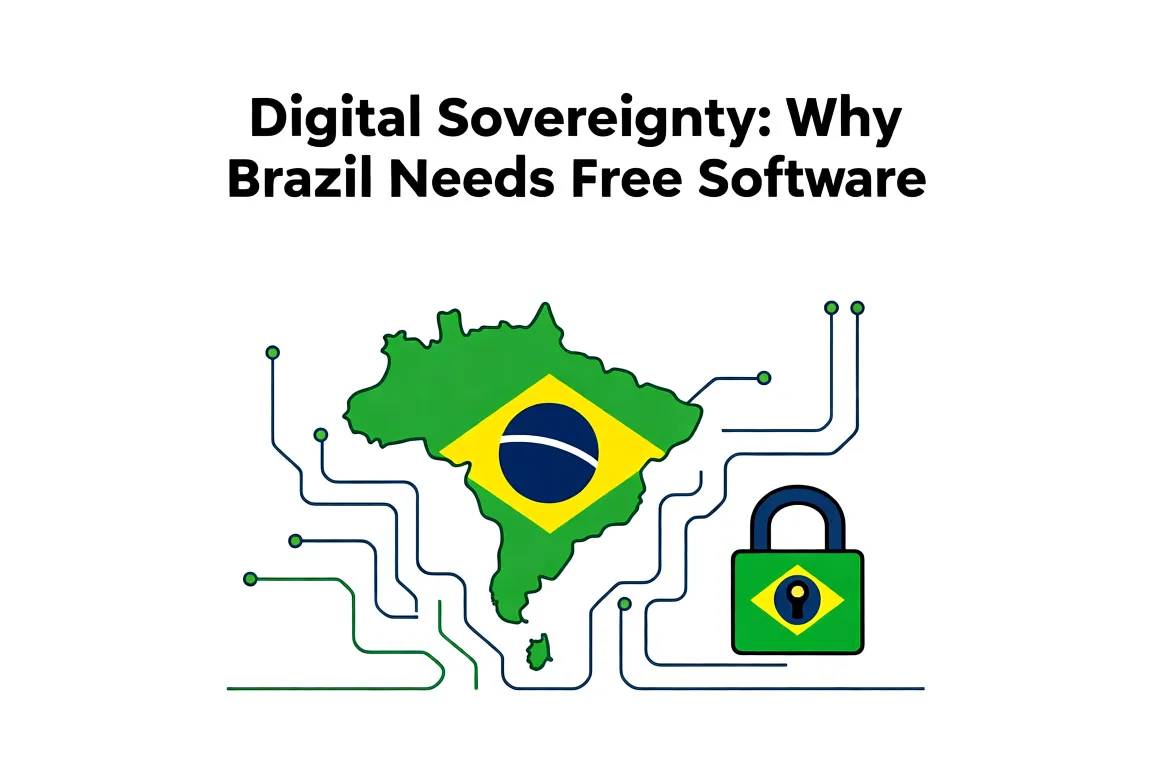
Digital Sovereignty: Why Brazil Needs Free Software

Digital Sovereignty: Why Brazil Needs Free Software

Digital Sovereignty: Why Brazil Needs Free Software

Brazil keeps paying foreign vendors for the right to run its own government systems. Switching to free software gives public institutions the code, the fixes, and the data stays inside the country.

That shift cuts license bills and removes the risk that an update from abroad suddenly breaks services or hands usage logs to another nation.

Where city halls and state agencies can begin

Start small and measure what changes.

  1. Pick one department that already runs basic tasks like document editing or citizen registration.
  2. Replace the office suite with LibreOffice and the desktop with a supported Linux distribution such as Ubuntu or Fedora.
  3. Move the database to PostgreSQL so queries and backups stay under local control.
  4. Train two or three staff members first; they then help colleagues the next month.

Several municipalities in the Northeast already run their entire public procurement portal on free software stacks. They report annual savings above R$ 200 000 in licenses alone and faster response times when a security patch is needed.

Current tool Free software swap Immediate gain
Microsoft Windows + Office 365 Linux + LibreOffice No recurring per-seat fees
Oracle database PostgreSQL Full source access for audits
Proprietary email server Postfix + Roundcube Data remains on Brazilian servers

Run a simple checklist before wider rollout:

  • Confirm the new applications handle existing file formats without loss.
  • Verify that printers and card readers still work with open drivers.
  • Schedule one afternoon a month to review updates released by the Brazilian public software portal.

Once the first department works smoothly, copy the same install scripts to the next unit. The pattern repeats without new contracts each time.

Posted by admin in Software & Tools, 0 comments
Contributing to Open Source Projects from Brazil: A Starter Guide

Contributing to Open Source Projects from Brazil: A Starter Guide

Contributing to Open Source Projects from Brazil: A Starter Guide

You’re in Brazil and want to start contributing. Focus on projects with active maintainers who reply within a day or two, then open small, clear pull requests. This works even with the time difference to Europe and the US.

Pick a project that matches your routine

Look for repos that already have Brazilian contributors or issues labeled “good first issue”. Check GitHub in the morning your time so you catch maintainers online in the afternoon their time.

  • Browse the BrasilAPI repo and translate a missing endpoint description.
  • Fix a broken link in the VS Code Portuguese language pack.
  • Update an outdated example in the Django docs that still shows Python 2 syntax.

Make a short list of three projects you already use. Read their CONTRIBUTING.md once, then pick the smallest open issue that takes under an hour.

Day of week Best window for PRs Why it works
Monday-Wednesday 9am-11am BRT US East Coast is just starting their day
Thursday 8am-10am BRT Europe maintainers still online before lunch

Send your first pull request

  1. Fork the repo and create a branch named after the issue, such as fix-typo-in-readme.
  2. Make the change, then run any tests the project asks for in CONTRIBUTING.md.
  3. Write the PR description in English, one sentence on what changed and one line linking the issue.
  4. Post the PR before lunch your time so replies land while you’re still at the computer.
  5. If a maintainer asks for edits, push the fix in the same branch instead of opening a new PR.

Many Brazilian devs start with documentation or test fixes because those need less back-and-forth than new features.

Posted by admin in Guides & Tutorials, 0 comments
Free Software in the Brazilian Judiciary: Case Studies

Free Software in the Brazilian Judiciary: Case Studies

Free Software in the Brazilian Judiciary: Case Studies

What free software changes in daily court operations

You see immediate differences once a court moves away from proprietary licenses. Staff no longer wait for approval to install a PDF reader or update a browser. Documents open in the same format across departments without extra plug-ins.

  • LibreOffice replaces paid office suites and handles the same .docx and .odt filings used in federal courts.
  • Firefox or Chromium serves as the default browser for the e-process systems run by the CNJ.
  • Local IT teams gain the ability to script routine tasks instead of opening support tickets with vendors.

TRF4 reported lower annual license costs within the first year after the switch. The money stayed inside the budget for hardware upgrades.

TRF4 migration to LibreOffice

The regional federal court in Porto Alegre began testing LibreOffice in 2015 on a single floor. Within eight months every workstation used it for internal memos and external filings.

Key points from their rollout:

  • They kept the existing document templates and only adjusted macro buttons that already existed in the old suite.
  • Training consisted of two-hour sessions focused on the three menus most used by clerks.
  • One IT staff member handled the help desk for the first month; call volume dropped after week three.

Other courts copied the same pattern. TJSC later adopted the same image and training outline.

Steps other courts followed after TRF4

  1. Audit current licenses and list every machine still tied to paid software.
  2. Pick one pilot department that handles mostly text documents and run it for sixty days.
  3. Measure time spent opening files and printing before and after the change.
  4. Document the three or four file types that caused problems and create a short internal wiki page for each.
  5. Roll out to the next department only after the pilot team signs off.

Courts that skipped the pilot step usually faced resistance when macros failed on the first day. Those that kept the pilot small fixed issues before they spread.

Posted by admin in Guides & Tutorials, 0 comments